ExeDock Mobile
Visual Novel Reader
Read the visual novels you own on your phone or tablet, even offline. Auto mode, message log, save snapshots and on-device translation. You bring your own works.
Free · No account · Reads offline · Coming soon to the App Store and Google Play.
Pick it up and read
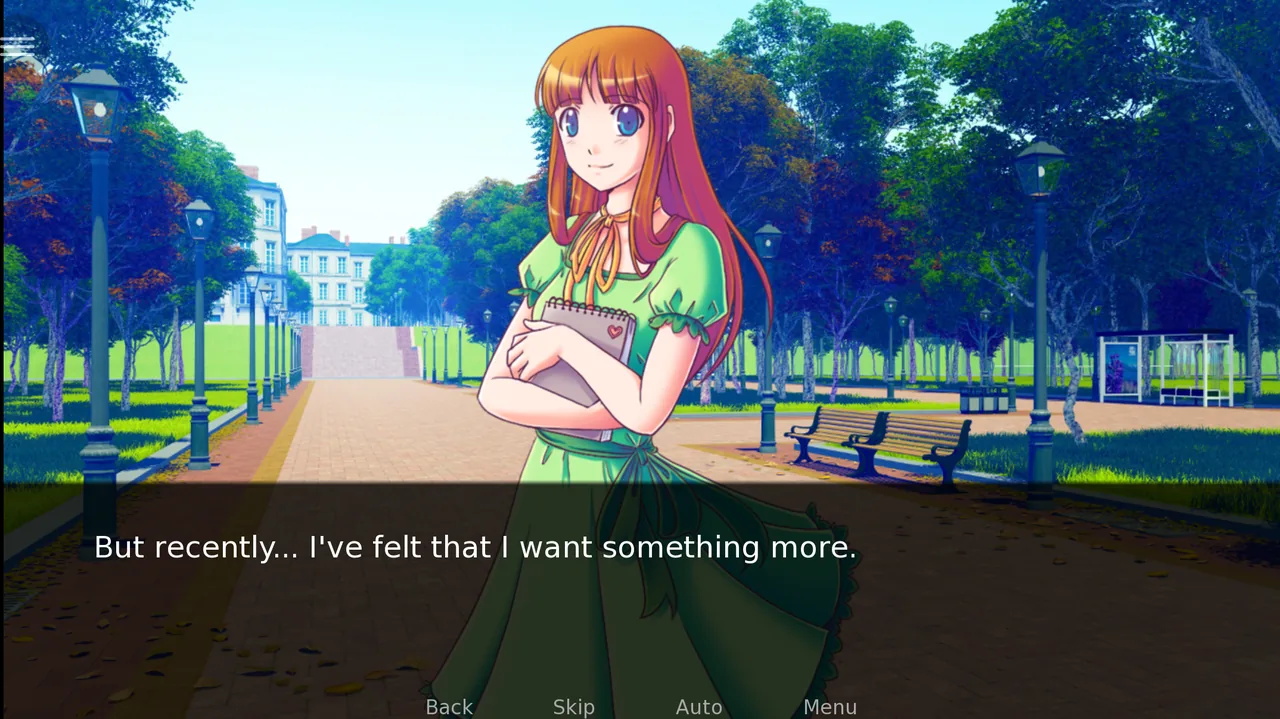
Your library, the reading menu, on-device translation and save snapshots, on your phone and tablet.
Every detail made for reading
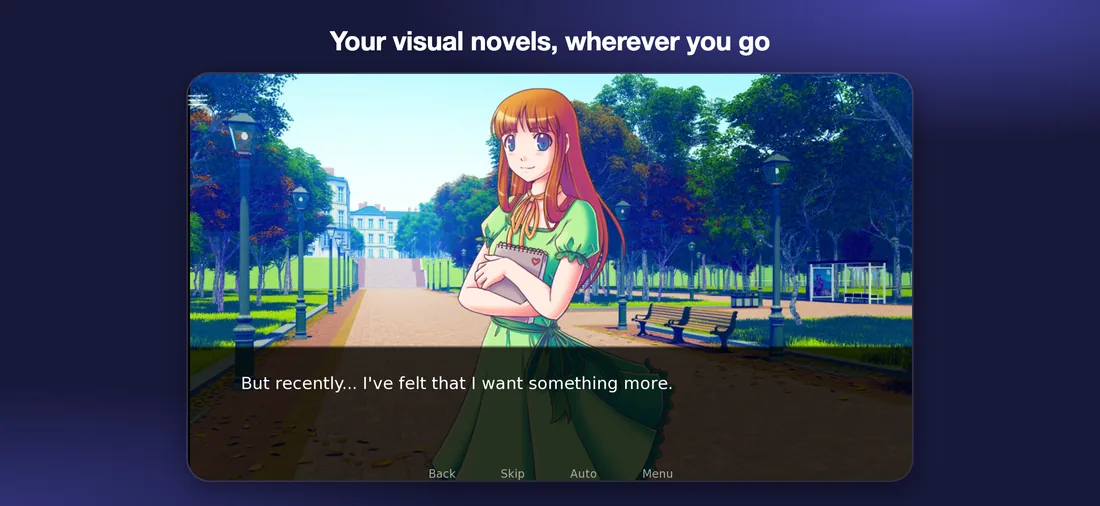
Carry the visual novels you own in your pocket and pick up the story where you left it.
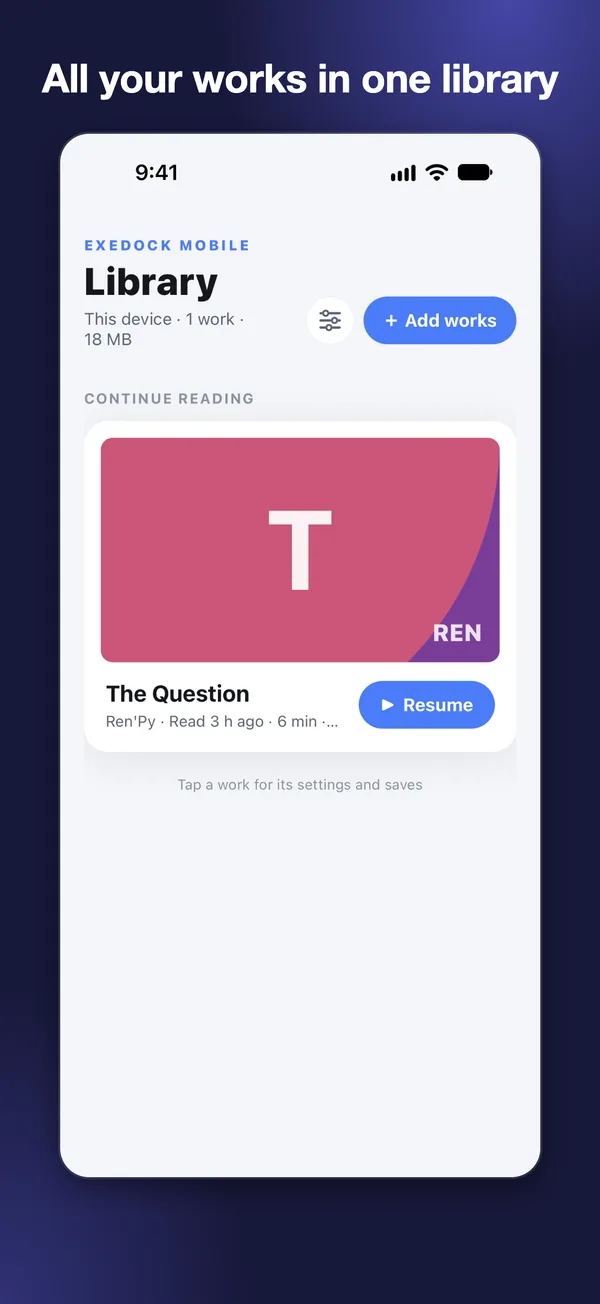
Your library
- All your works in one library, with search, sorting and your own cover images
- Remembers your reading time and when you last read each work
- A removed work can be restored for one day
- A sample work is included, ready to read
Comfortable reading
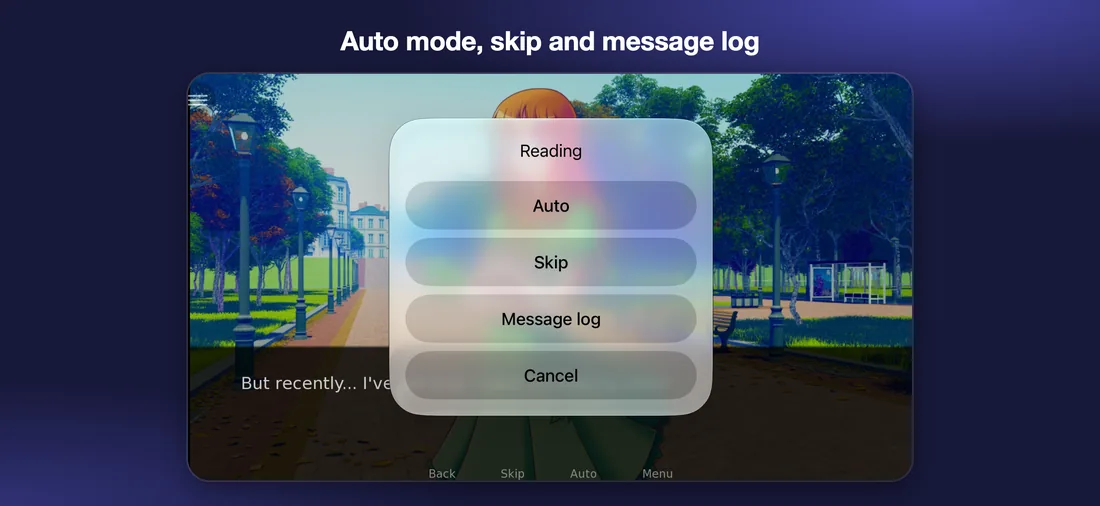
- Auto mode, skip and a message log for supported works, in one menu
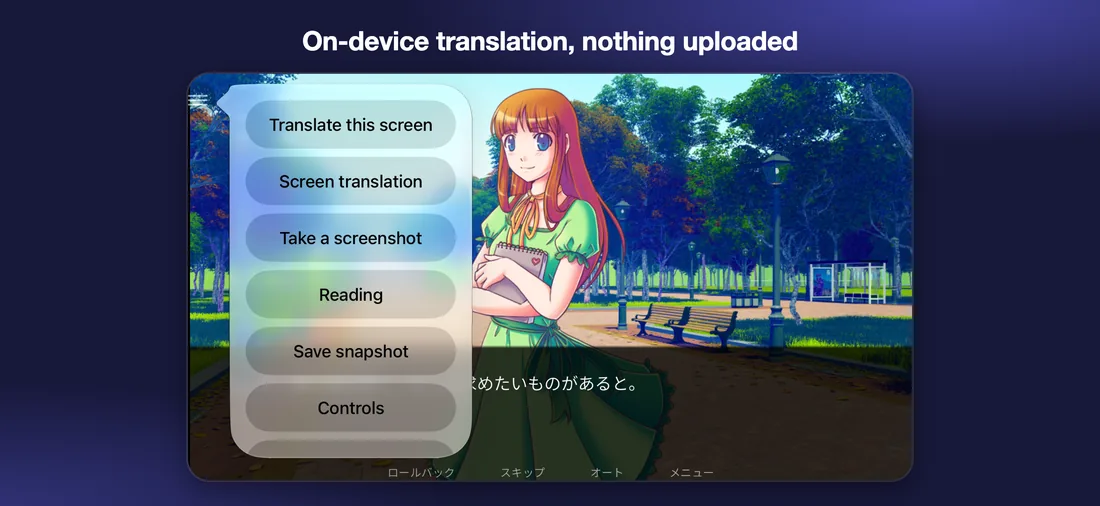
- On-device translation of the text on screen, using your device's built-in translation; the text is not uploaded
- Fit or fill the screen for supported works
- Take a screenshot at any moment and keep it with the work
- Touch controls or a Bluetooth game controller
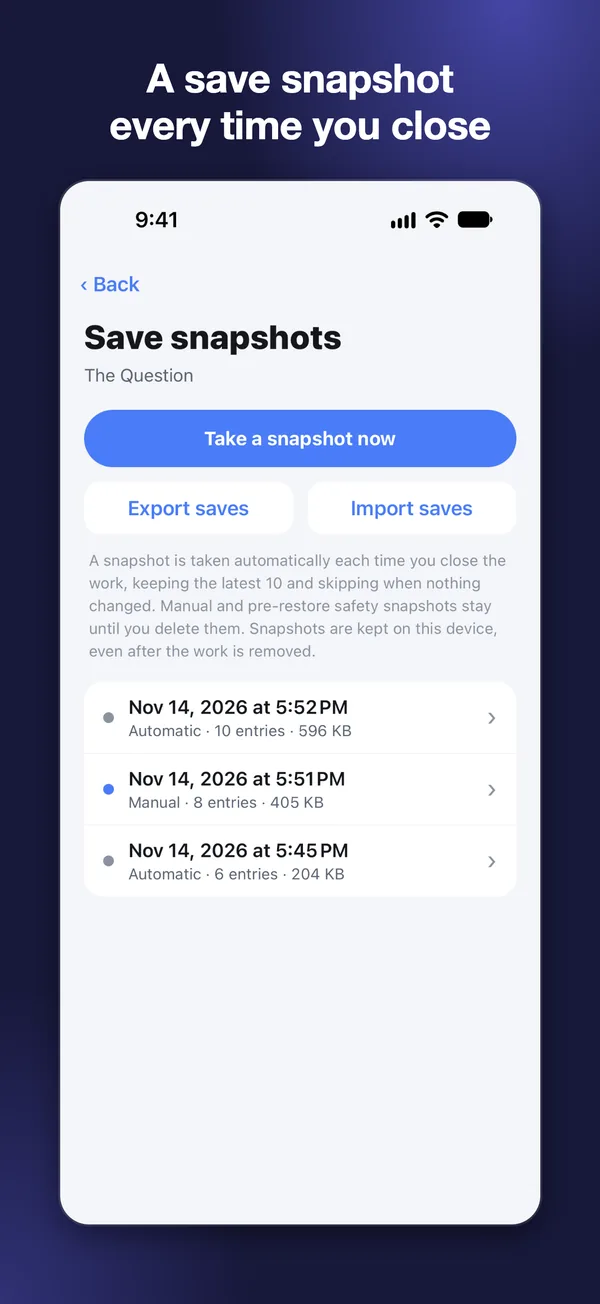
Your progress is safe
- A save snapshot is made every time you close a work; make your own and restore any time
- Export, import and back up saves
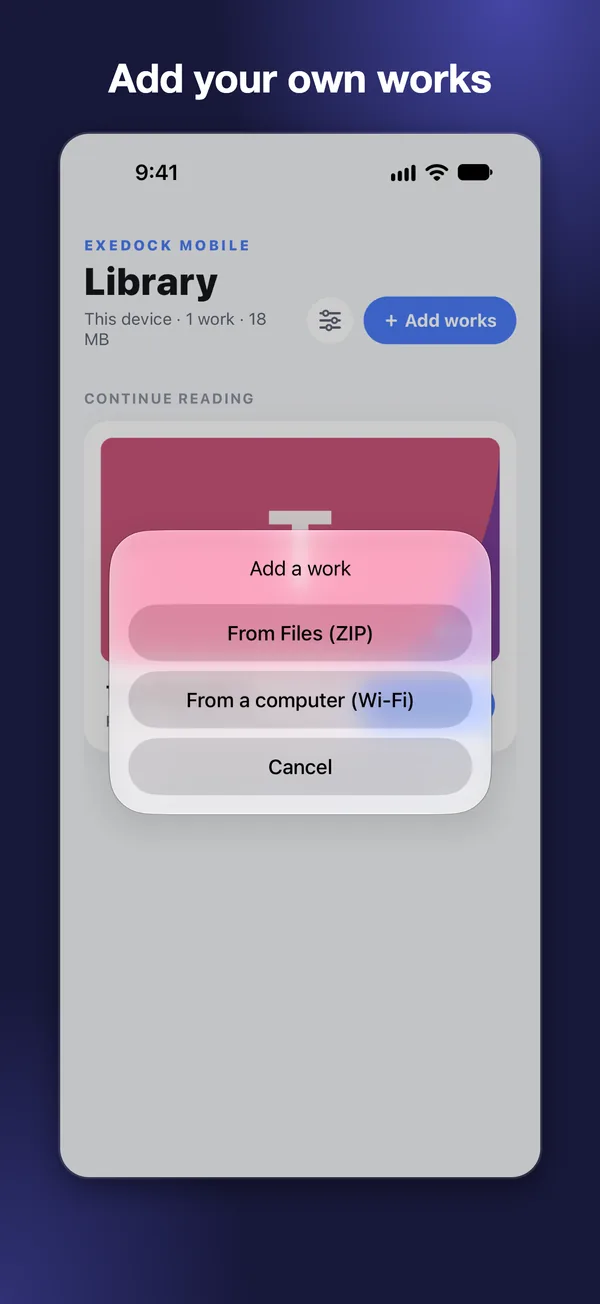
Bring your own works
- Choose an archive or a folder from Files or a cloud folder
- ZIP, RAR, 7z, LZH, CAB, TAR and more, including split and password-protected archives
- On the same Wi‑Fi, send files from a web browser on your computer
- The app has no store and offers no works to download. Add works you legally own.
More tools
- On-device translation of the text of RPG Maker MV / MZ works
- Edit save values and use aids such as speed-up for supported formats
- Move the touch buttons where you like, saved separately for portrait and landscape
Start reading in three steps
Get the app
Download it free from the App Store or Google Play, no sign-up needed. A sample work is included, ready to read.
Add your works
Pick an archive from Files or a cloud folder, or send files from a computer’s web browser on the same Wi‑Fi.
Read offline
Works stay on your device and open without a connection; progress, saves and screenshots stay with each work.
Supported formats
The common visual novel engines, plus story games made with RPG Maker and other tools.
Visual novels
It also opens story and role-playing works made with
The app's Settings list the supported versions and limits of each format.
Your works stay on your device
- Some formats download a free player component the first time you open them. Works that need RPG Maker's shared assets (RTP) download them from the official RPG Maker website after you agree.
- Not every work will open; it depends on the work and its version.
- ExeDock Mobile is independent software. It is not affiliated with or endorsed by the makers of the tools above or by any publisher. All names are trademarks of their respective owners.
Also on your computer
ExeDock is a free app for Mac and Windows too.
ExeDock for Mac
Play Windows games on Apple silicon Macs: automatic setup, in-game translation and tested settings, free.
Go to exedock.comExeDock for Windows
Native engines and on-device translation, in development.
In developmentFrequently asked questions
What is ExeDock Mobile?
ExeDock Mobile is a visual novel reader. Add your own works to your iPhone, iPad or Android device, read them offline, and pick up the story where you left it.
Does it cost anything or need an account?
No. ExeDock Mobile is a free download with no in-app purchases, and you don’t need an account.
Does the app come with works to read?
The app has no store and provides no downloads. A sample work is included to try; add other works you legally own.
How do I add works to my phone or tablet?
In the app, pick an archive or a folder from Files or a cloud folder: ZIP, RAR, 7z, LZH, CAB, TAR and more, including split and password-protected archives. You can also send files from a computer’s web browser on the same Wi‑Fi.
Which formats are supported?
Visual novels: Ren'Py, KiriKiri 2/Z, NScripter, SiglusEngine, RealLive, Artemis, TyranoScript and FVP. It also opens story games made with RPG Maker MV/MZ/XP/VX/VX Ace/2000/2003, Godot, HTML5 (NW.js/Electron) and Flash. The supported versions of each format are listed in the app’s Settings.
Can I read offline?
Yes. Works are stored on your device. Some formats download a free player component the first time you open them, and works that need RPG Maker’s shared assets (RTP) download them from the official RPG Maker website after you agree. After that, everything reads offline.
Does translation upload the text?
No. On-device translation uses the translation built into your iPhone, iPad or Android device; the text on screen stays on the device.
Can I lose my saves?
A save snapshot is made every time you close a work, and you can make one yourself and restore it at any time. Saves can also be exported and imported as backups.
Which devices are supported?
iPhone and iPad with iOS/iPadOS 16.4 or later, and Android 8.0 or later.
What if a work doesn’t open?
Not every work opens; results depend on the work and its version. Tell us the work’s name and format in the app’s Settings › Support or on this site’s support page, and we’ll get back to you.